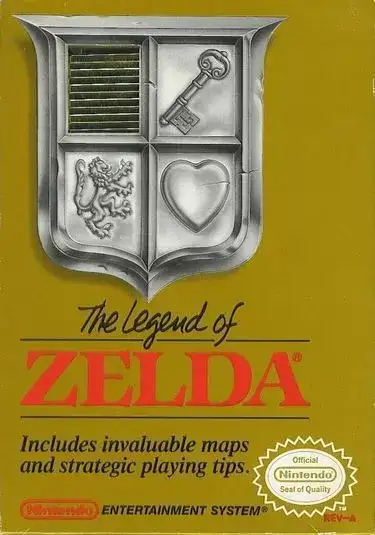
The Legend of Zelda
Introduction
The Legend of Zelda
How to Play The Legend of Zelda Online
Press Start Game above and wait for the NES emulator to load. On the title screen press Start, register a name and begin your quest across Hyrule. By default the arrow keys move Link and the Z and X keys are the NES buttons; check or change them in Control Settings in the emulator menu.
Controls
| NES button | Action |
|---|---|
| D-pad | Walk in four directions |
| A | Swing the sword |
| B | Use the selected item (bombs, boomerang, candle, bow and more) |
| Start | Open the item screen to choose the B item |
| Select | Pause |
Tips for New Adventurers
- Take the sword first. Enter the cave right above the starting screen; the old man inside gives Link his first sword.
- Bomb suspicious walls in dungeons and on mountain sides. Many shops, upgrades and shortcuts are hidden behind cracked rock.
- Burn bushes with the candle, since some hide secret stairs.
- Keep your hearts full. With full health, Link’s sword shoots a beam that hits enemies from a distance.
- Buy the blue ring as soon as you can afford it; it halves the damage you take.
- Use the map and compass found in each dungeon to locate the boss and the Triforce piece.
The Quest
Ganon has captured Princess Zelda and stolen the Triforce of Power. Link must explore the overworld, find eight hidden dungeons, collect the eight pieces of the Triforce of Wisdom, and then enter Death Mountain to face Ganon. After finishing the game you unlock a harder Second Quest with rearranged dungeons.
Legacy
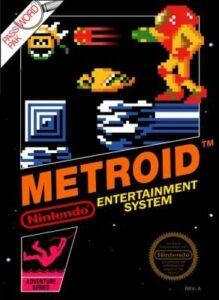
The Legend of Zelda launched one of Nintendo’s biggest series and is remembered for its open world, hidden secrets and battery save. Continue with Zelda II: The Adventure of Link, or try other NES adventures such as Metroid and Crystalis.