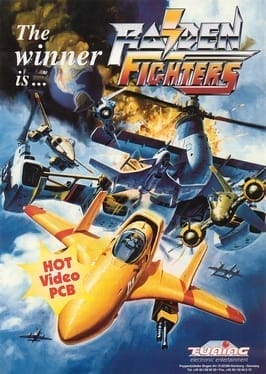
Raiden Fighters
Introduction
Seibu Kaihatsu released Raiden Fighters in arcades in 1996, a spin-off from its Raiden shooting series. Instead of piloting a single ship, players choose from a selection of fighter jets, each with a different speed and its own main weapon and missile type, and more aircraft can be unlocked with hidden inputs. The game is a vertically scrolling shooter that sends waves of tanks, planes, ships and huge bosses across varied stages, and players can collect power-ups to strengthen their weapons. Scoring is built around medals, which are worth more when collected at the top of the screen, and a secret route leads to hidden bonuses for skilled players. Bombs can wipe out enemy fire in an emergency, and two players can fight at the same time. It kept the series’ detailed destruction and hard-hitting sound while adding more variety, and was followed by several sequels.
Raiden Fighters
How to Play Raiden Fighters Online
Press Start Game above to load the arcade emulator, insert a coin with Select and press Start. Before the first stage you choose a fighter jet; each plays differently, with its own speed, main shot and missiles. The game needs only movement, a fire button and a bomb button. By default the arrow keys move and Z and X are the two buttons; check or change them in Control Settings in the emulator menu.
Controls
| Input | Action |
|---|---|
| Joystick | Fly in eight directions |
| Fire button | Main shot and missiles (hold for rapid fire) |
| Bomb button | Launch a bomb that damages everything on screen and clears bullets |
Tips
- Pick a fast ship to start. Faster jets dodge more easily; slower ones usually hit harder. Try several to find your style.
- Power up early. Grab every power-up item in the first stage; losing a life drops your weapon level.
- Collect medals high on the screen. Medals are worth more when picked up near the top, but flying there is risky, so only go up when the screen is calm.
- Bomb when trapped, not just against bosses. A bomb you never use is wasted when you lose the ship.
- Destroy ground targets. Tanks and buildings often hide medals and bonuses.
History
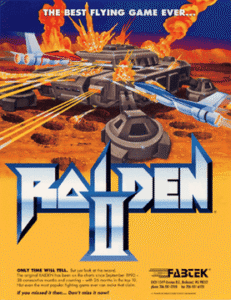
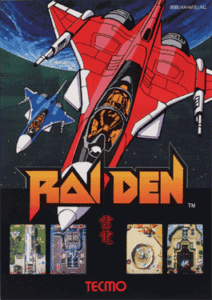
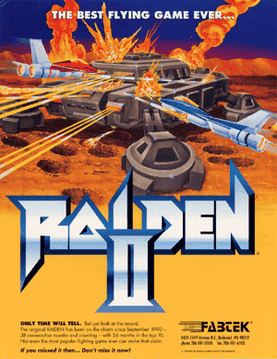
Seibu Kaihatsu released Raiden Fighters in 1996 as a spin-off of its Raiden series, adding a choice of aircraft and a deep medal scoring system that shooter fans still study. Play the main series in Raiden and Raiden II, or try other vertical shooters like Strikers 1945 and DoDonPachi.