Super Mario Kart
Introduction
Super Mario Kart
How to Play Super Mario Kart Online
Press Start Game above to load the Super Nintendo emulator, then choose 1P or 2P, a game mode and your driver. By default the arrow keys steer and the SNES buttons are mapped to keys such as Z, X, A, S, Q and E; check the full layout, or connect a gamepad, in Control Settings inside the emulator menu. A gamepad makes power slides much easier.
Game Modes
- Mario Kart GP: race through cups of five tracks against seven computer drivers in 50cc, 100cc or 150cc. Finish in the top four to keep racing.
- Time Trial: race alone against the clock and your ghost.
- Match Race (two players): a head-to-head race on any track.
- Battle Mode (two players): each kart has three balloons; pop your rival’s balloons with items to win.
Drivers
Eight characters are available, split into weight classes: Mario and Luigi are balanced, Peach and Yoshi accelerate quickly, Bowser and Donkey Kong Jr. have the highest top speed but slow acceleration, and Koopa Troopa and Toad handle best.
Tips for Winning Cups
- Collect coins. Coins raise your top speed and protect you: if you get hit with no coins, you spin out for longer.
- Hop into corners. Tap the R shoulder button while turning to hop and power slide through tight bends without losing speed.
- Use items smartly. Keep a banana or shell behind you to block attacks, save the Star or Mushroom for straights and shortcuts, and use the Feather to jump over walls on some tracks.
- Learn the rocket start. Press accelerate at the right moment during the countdown for a quick boost off the line.
- Unlock the Special Cup by winning gold in the Mushroom, Flower and Star Cups on 100cc, which opens tracks like the infamous Rainbow Road.
Legacy
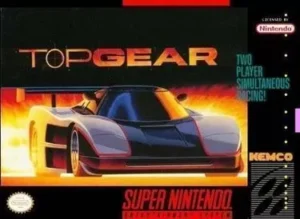
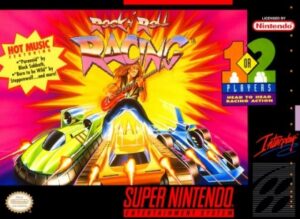
Nintendo’s 1992 original created the kart-racing genre with items and battles, and its Mode 7 tracks are still remembered by fans. For more SNES racing, try Top Gear, Rock n' Roll Racing or the futuristic F-Zero.